How to advertise on ChatGPT: plan your first app or SaaS test
Learn how ChatGPT ads work, check advertiser access, choose billing, write useful creative, and measure a first campaign for your app or SaaS.

Research method
A documentation-based guide checked on October 7, 2026 against OpenAI and AppsFlyer primary sources. NaviStack has not run the campaign, implemented the attribution integration or measured its performance. Campaign examples and cost calculations are hypothetical; images are AI-generated editorial illustrations. AppsFlyer is an attribution example, not a tested comparison or endorsement. Recheck access, policies and measurement limits before implementation.
ChatGPT ads give app and SaaS owners another paid acquisition channel to evaluate. A useful first test connects one customer problem to an honest offer, a page that explains it, and an outcome you can measure. The question is whether those visitors become customers at a cost your product can support.
OpenAI introduced beta self-serve buying in May 2026, expanding access beyond its initial advertiser pilot. Businesses can create and manage campaigns through Ads Manager, where country and account eligibility still apply. Self-serve announcement.
This guide is based on OpenAI and AppsFlyer documentation checked on October 7, 2026. The campaign and cost examples are hypothetical; NaviStack hasn't run the test described here. Images are AI-generated editorial illustrations.
TL;DR
| Your question | Practical answer |
|---|---|
| What are you buying? | A labeled sponsored placement, separate from ChatGPT's answer |
| Can your business use it? | Check the billed legal entity's country, account verification and the product's advertising eligibility |
| How should you write the ad? | Describe a customer situation your product actually helps with; context hints guide relevance without guaranteeing a placement |
| What determines cost? | Your billing model and auction delivery; conversion optimization still charges for clicks or impressions |
| How should you judge the test? | Compare spend with customers after allowing for attribution windows and reporting delays; for apps, verify install and in-app events and separate paid from organic AI referrals |

How ChatGPT ads work
Picture a freelancer who has finished a client project and is still waiting to be paid. They might ask ChatGPT to help write a reminder or organize overdue invoices. If your app handles invoicing and follow-ups, that is a concrete situation to consider when planning an ad.
Their immediate task is getting paid. A useful offer needs to explain how your app helps with that task and give them a clear next step, such as seeing how reminders work. Treat that fit as a hypothesis to test; a relevant conversation doesn't establish purchase intent.

An ad can appear below a ChatGPT response, labeled as sponsored. A standard ad includes the advertiser's identity, a title, description, image and landing page. Ad format.
OpenAI says advertising runs separately from its chat model and cannot change, rank or rewrite the answer. An ad's appearance also doesn't mean OpenAI recommends the product. Answer independence.
Ads may appear for eligible Free and Go users. Plus, Pro, Business, Enterprise and Edu accounts are ad-free. OpenAI says it doesn't show ads to accounts it identifies as belonging to people under 18. That matters when judging reach: the total ChatGPT audience is larger than the audience available to an advertiser. User eligibility.
OpenAI says advertisers don't receive users' private chats, history or memories. They receive aggregated performance information. If someone chooses to message a business through an ad, that business can see the messages sent directly to it. Personalization controls also matter: with personalization off, ads can still use the current chat's context. Privacy and controls.
Check access before planning a campaign

Start with OpenAI's Ads Manager availability list. For self-service access, the legal entity that advertises and is billed must be based in a supported country. Account registration alone doesn't give an unsupported country access. Recheck the list when you plan to launch; broad announcements about international expansion aren't a substitute for this requirement.
Then work through three checks:
- Account readiness. Create an account through Ads Manager, complete verification and set up the billing profile. Before activating anything, check how your onboarding flow handles launch dates. OpenAI notes that first-campaign scheduling controls may not appear until later; publishing to reveal them can start delivery earlier than intended. Account quickstart, scheduling guidance.
- Delivery eligibility. Check the locations available to your account. Some new self-serve accounts initially have a home-country restriction. Selecting another country doesn't override it. Country targeting.
- Product eligibility. Review the ad, image and destination against the current ad policies. Software is a broad category: dating apps are disallowed, while medical claims and financial services have additional restrictions. A general productivity app and a regulated product can face different requirements.
Ordinary sponsored ads are also distinct from Sponsored Agents, which let people open a conversation with a business's AI representative. That format is currently a limited alpha for selected advertisers, with no early-access requests being accepted. Build a first campaign around the tools your account actually has. Sponsored Agents availability.
Write for a useful customer situation
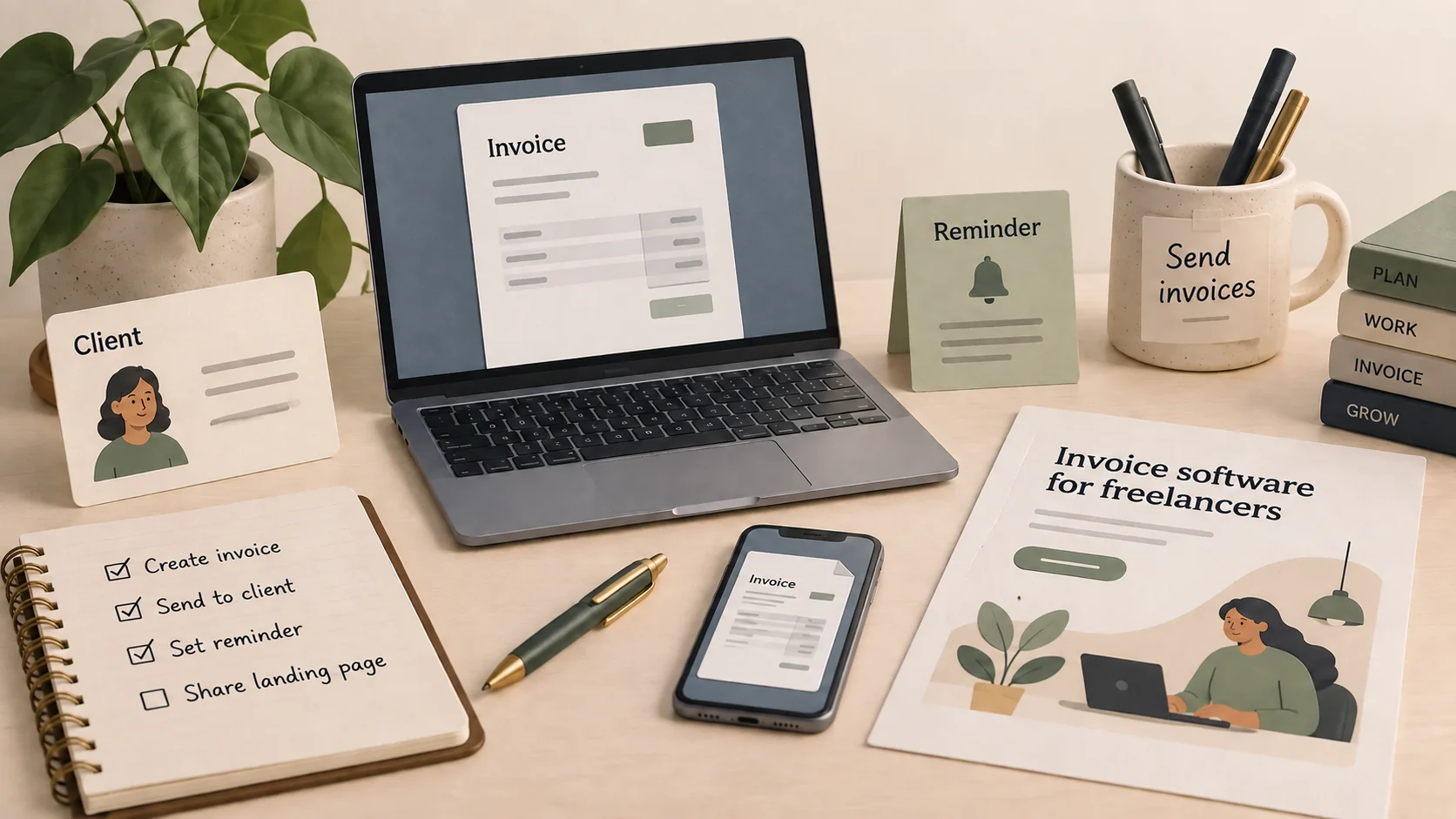
Choose a problem you can describe without a slogan. If you own an invoicing app, “software for small businesses” is a wide brief. “A freelancer needs to send an invoice and follow up when it is overdue” gives you something concrete to explain.
At the ad-group level, context hints add information about the product and where it is useful. OpenAI recommends specific, accurate phrases grounded in what you offer, who it helps or when it helps. They don't function as exact-match keywords, geographic restrictions or instructions to display an ad in a particular conversation. Use supported targeting controls for delivery restrictions. Context-hint guidance.
For a fictional app that supports invoice creation and reminders, a draft brief could look like this:
| Element | Illustrative draft |
|---|---|
| Customer situation | A freelancer wants to send a client invoice and follow up on late payment |
| Context hint | Invoicing software for freelancers who need to create client invoices and manage overdue reminders |
| Ad title | Send client invoices |
| Description | Create invoices and follow up on overdue payments. |
| Image | A clear view of the app's invoice screen, using fictional customer details |
| Landing page | A page explaining invoice creation, reminders, pricing and supported devices |
| Business outcome | A signup that creates its first invoice, followed by a separately measured paid subscription |
This is an example of how to organize the offer. It doesn't predict where the ad would appear or how well it would convert. Use only features your app supports and confirm the current creative requirements in Ads Manager.
OpenAI's creative guidance emphasizes clear benefits, distinct message variations and a destination that fits the ad. It also requires reachable landing pages that allow its advertising and search crawlers. Creating ads.
For a small first test, two different angles can be easier to assess than many almost identical headlines: creating an invoice and managing overdue reminders, for example. The right number depends on your budget and traffic. Separate use cases when they need different pages or explanations.
If you haven't established that people understand the offer, work through the positioning and landing-page steps in our app marketing guide before buying traffic.
Choose the billing model and bound the spend
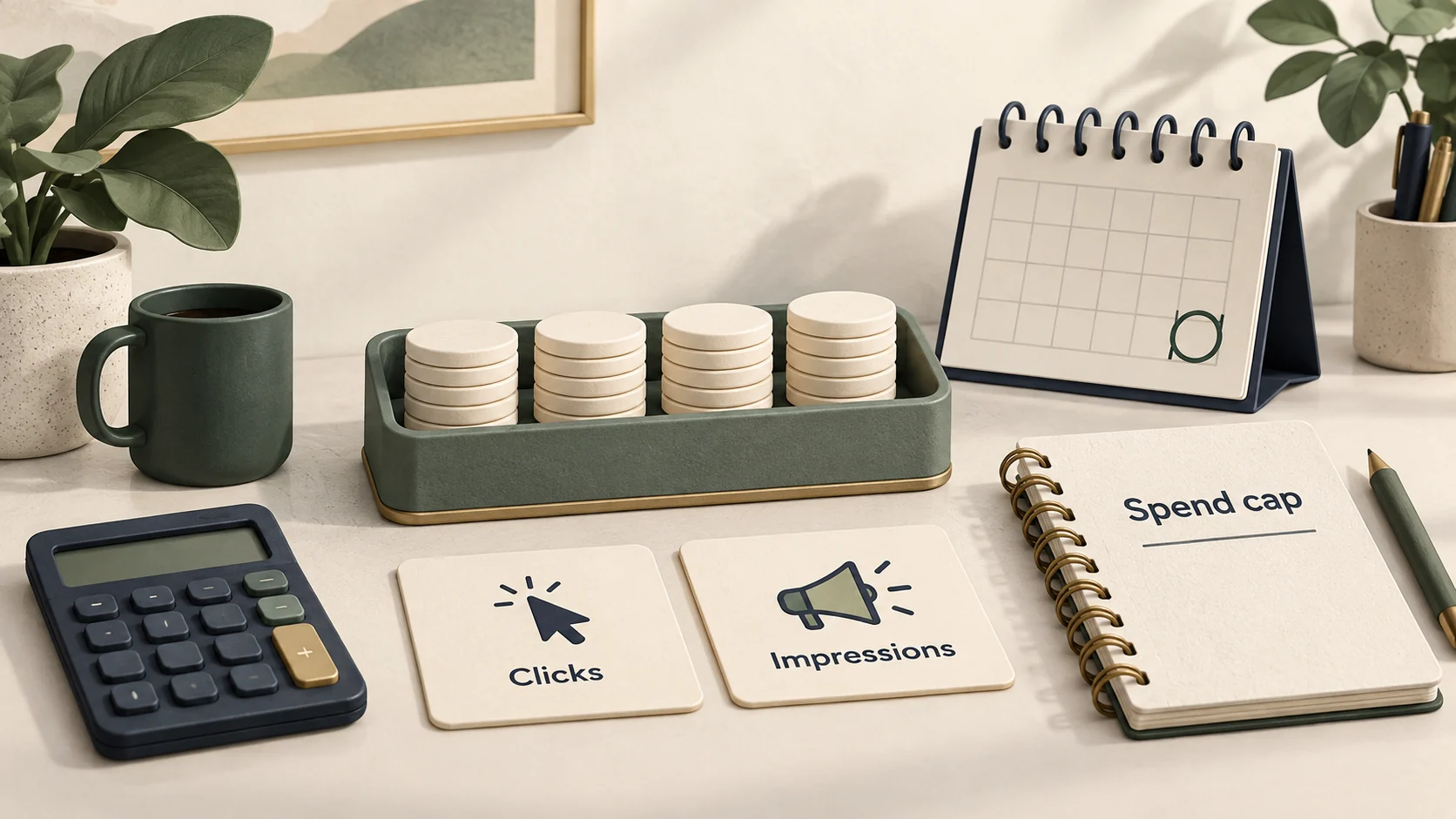
ChatGPT Ads supports impression and valid-click billing, with Views, Clicks and Conversions objectives. The conversion objective changes what delivery seeks, while billing follows the selected option. Buying options.
| Choice | What you pay for | Question it helps you explore |
|---|---|---|
| Views / CPM | Impressions, priced per thousand | Can the campaign reach the intended market? |
| Clicks / CPC | Valid clicks | Do visitors respond to the offer and reach the destination? |
| Conversion optimization with click billing | Valid clicks, while delivery seeks a selected conversion | Can delivery find more people who complete that event? |
| Conversion optimization with impression billing | Impressions, while delivery seeks a selected conversion | Can impression-based delivery support the selected outcome? |
Conversion optimization requires working measurement and a supported standard event. It doesn't mean you pay only when a customer converts. Choose the event and billing option deliberately; those settings cannot be changed in place after creation. Conversion-optimized campaigns.
There is no single CPC that tells you what your campaign will cost. OpenAI describes a relevance-weighted auction and recommends a starting maximum CPC bid of $3–$5 USD for Clicks campaigns. That is bid guidance, rather than a promised average click price or a reason to use that range regardless of your economics. Pricing and bidding.
For a bounded experiment, a campaign-total budget gives stricter control over total spend. A daily budget is an average: daily delivery can reach twice the selected amount, subject to the documented weekly limits. Check the minimum and rules for your billing currency. Budget controls.
Write down the total amount you can spend, the planned review date and the result needed to justify another test. Include the work involved in producing the creative, setting up tracking and reviewing leads. A low media cost is less useful if it creates hours of poor-fit sales conversations.
Measure the path to a customer

Decide what “conversion” means before launching. For a SaaS product, it might be an account that completes a meaningful setup step or becomes a paying customer. For a mobile app, keep the stages separate: landing-page visit, store click, install, activation and paid subscription. Each needs evidence; a store click alone doesn't establish the later steps.
OpenAI supports conversion measurement through its Pixel, Conversions API, or both. Preserve its click reference, called oppref, through your website redirects where applicable. If the same event is sent through the browser and server, use the same event ID for deduplication. Follow the documented disclosure and consent requirements when sharing conversion data. Conversion measurement.
UTM tags help identify campaign traffic in your own analytics. Check them through the actual landing path, including redirects and checkout navigation. For native-app outcomes, verify that your attribution setup can connect the relevant events; the website Pixel's presence is not evidence that installs or in-app purchases are measured.
How AppsFlyer connects ChatGPT traffic to app outcomes
AppsFlyer's guide to AEO and ChatGPT Ads attribution separates two sources: clicks on paid ads and clicks on links in ordinary AI answers. AEO means answer engine optimization, the work of helping people discover your product through those answers. Keep the sources separate when reviewing acquisition.
For paid campaigns, its ChatGPT Ads integration attributes installs and re-engagements, and sends configured in-app event postbacks to OpenAI. Configure each app platform separately with an Ads Manager Pixel ID and Conversions API key, then map your events. Review privacy settings and which events you share. Integration setup.
Send visitors directly to a store through an attribution link or OneLink, or through your website using Smart Script. Preserve the click reference: direct-store links need clickid={oppref}; a landing page must map incoming oppref to outgoing clickid. Put dynamic parameters in Ads Manager's Tracking parameters field. Attribution-link instructions.
Organic referrals take a different path depending on whether the app is installed:
| Visitor | Measurement path |
|---|---|
| Already has your app | Android App Links or iOS Universal Links open it; AppsFlyer's organic attribution uses the available referrer to identify the re-engagement source |
| Needs to install it | Your website's Smart Script generates a OneLink for the download button, carrying configured source information into the store-to-app path |
For new users, inspect the Smart Script configuration, including referrer mapping, and test the generated download link. For existing users, check the organic re-engagement prerequisites and limits: that feature currently excludes SwiftUI iOS apps and supports only Safari on iOS. These limits apply to organic re-engagement, not the entire paid integration.
AppsFlyer currently has no ChatGPT Ads cost API integration. Bring spend from Ads Manager into your customer-cost review separately. Cost limitation.
For the fictional invoicing app, test the whole journey: click, install, first invoice and paid subscription. Confirm which stages appear in each report before buying traffic. Comparing paid and organic referrals helps explain where customers were attributed. That comparison alone doesn't show how many additional customers the ads brought in.
Read the reporting settings alongside the totals. Ads Manager offers 7-, 14- and 30-day click-through reporting windows, and either no view-through attribution or a one-day view-through window. A conversion credited after an ad view is different evidence from a conversion following an ad click. Neither, by itself, proves the ad caused an additional sale. Reporting and attribution windows.
A hypothetical cost check
Suppose a completed pilot spends $500 USD, brings 200 measured visits, and produces 10 qualified signups. Later, four of those signups become paying customers within the review window.
| Calculation | Result |
|---|---|
| Media spend per measured visit: $500 ÷ 200 | $2.50 |
| Media spend per qualified signup: $500 ÷ 10 | $50 |
| Media spend per paying customer: $500 ÷ 4 | $125 |
These are fictional arithmetic inputs, not ChatGPT campaign benchmarks. Spend per measured visit also isn't Ads Manager's average CPC: analytics visits and valid ad clicks can have different counts. The $125 figure excludes creative, tracking, sales and other acquisition costs.
You would still need to assess customer quality, refunds, retention, margin and the time it takes to recover acquisition costs. Four customers provide a limited signal. Before scaling, ask whether the outcome repeats and whether some customers would have arrived through another channel anyway.
Allow for reporting delay. OpenAI says spend can lag approximately 7–8 hours and attributed conversions can take 24–48 hours to appear. Compare the same time zone and date range, then revisit the result when those delays and your chosen conversion window have passed. Reporting freshness.
Plan the first test around a decision
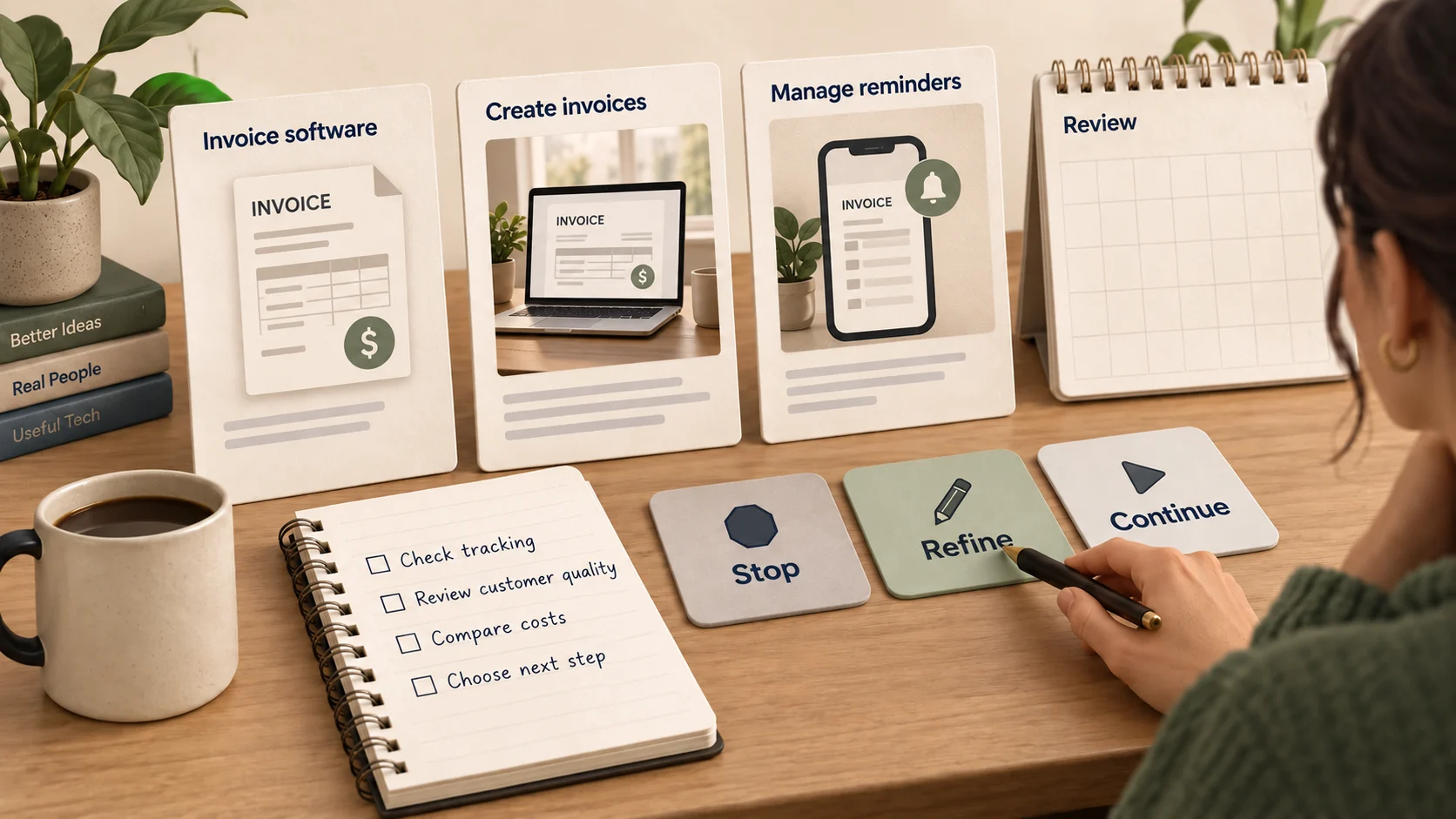
A first campaign should help you decide what to do next. Keep the initial brief small enough that you can explain a weak result and inspect a promising one.
| Planning field | What to write before launch |
|---|---|
| Product and situation | One offer and the specific problem it addresses |
| Market | An eligible location where the product can actually serve customers |
| Destination | A reachable page that supports the ad's claims and next action |
| Creative | A small set of meaningfully different messages and suitable images |
| Billing and budget | The selected objective, billing model and maximum total commitment |
| Measurement | The event, qualified-customer definition, attribution settings and reporting delay |
| Decision | Conditions for stopping, changing the offer or funding another bounded test |
Before you activate the campaign, follow the current launch quickstart and confirm verification, billing, review status and scheduling. Test the destination and measurement path yourself. A “not serving” status calls for checking those prerequisites before increasing the bid.
When the review window closes, distinguish the problem you observed. Poor-fit signups call for examining the promise and customer situation. Clicks with little meaningful activity call for inspecting the page, onboarding and tracking. Good customers at an unacceptable cost call for an economic decision. Insufficient delivery or volume leaves the question unresolved; it doesn't establish that the whole channel works or fails.
ChatGPT ads are worth evaluating when you have a clear offer, eligible access, a measurable path and enough room to learn without committing the rest of your acquisition budget. If one of those pieces is missing, fixing it is the next useful step.
Keep reading
More practical guides and comparisons selected for this topic.