Apple Retention Messaging: how to request API access and prepare your cancellation flow
Learn what Apple Retention Messaging does, how to request real-time API access, and when to use App Store Connect, your own backend, or RevenueCat.
Research method
A documentation-based guide checked on September 9, 2026 against Apple Developer documentation, Apple's WWDC26 session and access form, and current RevenueCat documentation. NaviStack did not submit an access request, implement the endpoint, or run a retention campaign for this article. Availability should be rechecked before implementation because the API is pre-release and the App Store Connect feature is rolling out separately.
Apple Retention Messaging gives subscription apps a place to make one final, relevant case before a customer cancels. The message appears in Apple's subscription-management flow, so it can reach someone even when they do not cancel from inside your app.
There are now two versions to understand: a simpler App Store Connect feature and a more flexible, server-driven API. This guide focuses on the real-time Retention Messaging API, which remains a pre-release program as of September 9, 2026. Apple calls the feature Retention Messaging, not “Attention Messaging.”
This is a documentation-based guide. We have not submitted an access request or run a production retention campaign for this article.
TL;DR
| Your question | Short answer |
|---|---|
| What does it do? | It can show an approved message, image, promotional offer, or alternative subscription after a customer taps Cancel Subscription in Apple's subscription settings. |
| Who can request the API? | The Account Holder applies for one app at a time. The app must already have an active subscription on the App Store, and the form asks for your server endpoint URL. |
| Do you need the API? | Use App Store Connect for a standard message and retention offer without a backend. Use the real-time API when your server needs to choose the response for each request or suggest a plan switch. |
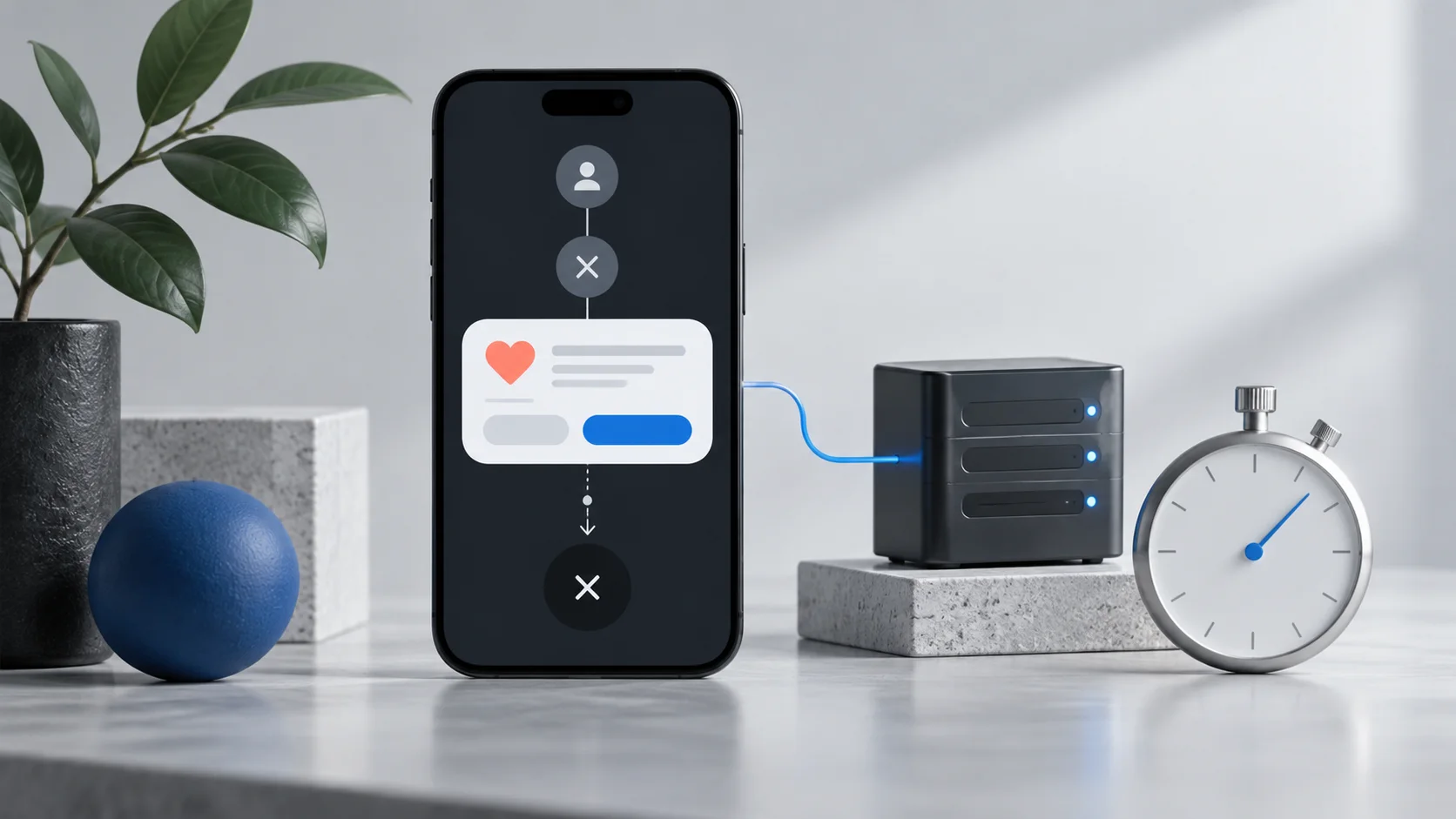
| What is the main technical constraint? | Apple requires an HTTPS endpoint that responds within 700 ms, signed-payload verification, approved message assets, defaults for failure cases, and a passing sandbox performance test. |
| Can RevenueCat handle it? | Yes. RevenueCat can supply the endpoint, manage delivery and targeting, and report results, but Apple still controls access and message approval. |
What Apple Retention Messaging does
When a subscriber reaches the cancellation flow in their Apple Account, Apple can add a developer-configured message to the confirmation screen. Depending on the configuration, the customer can continue cancelling, keep the subscription, accept an offer, or switch to another subscription.
The real-time API supports four message formats:
- A text message, optionally with bullet points.
- A text message with an image.
- A switch-plan message that suggests another product in the same subscription group.
- A promotional-offer message with a signed offer.
Apple sends your endpoint a signed request containing the original transaction ID, app Apple ID, current product ID, device locale, a request identifier, the environment, and the signed date. Your server uses that context and its own subscriber data to select one approved response. Apple's real-time request documentation
The word “select” matters. Message text and images must be uploaded and approved before you can use them. The API lets you choose an approved variant at request time; it does not let you generate arbitrary, customer-specific copy during the cancellation request. RevenueCat also warns that personalized-looking examples require each possible message variant to be submitted in advance. Apple's message upload documentation, RevenueCat's implementation guide
Choose App Store Connect or the real-time API
Apple announced a no-backend Retention Messaging workflow for App Store Connect at WWDC26 alongside the existing pre-release API. The App Store Connect feature is listed as “coming this fall,” so check its current availability in your account before planning a launch. Apple's 2026 App Store updates
| Capability | App Store Connect Retention Messaging | Real-time Retention Messaging API |
|---|---|---|
| Backend required | No | Yes, either yours or a provider's |
| Decision maker | Apple displays the configured message and chooses an eligible linked retention offer | Your server selects the response for each signed request |
| Message views | Text, text with an image, or text with a retention offer | Text, text with an image, switch plan, or promotional offer |
| Offer type | Retention offers configured for the subscription | A signed promotional offer selected in real time |
| Plan switching | Not supported | Supported within the same subscription group |
| Access | Apple says the App Store Connect feature is open to all | Pre-release; Apple approval is required per app |
The App Store Connect route is the sensible starting point when the same value reminder or offer suits everyone on a subscription. The API earns its extra operational cost when the choice depends on subscriber tenure, current plan, locale, offer history, storefront, an experiment, or another rule your server can evaluate quickly.
Apple says the App Store Connect version should also be configured when you use the API because it becomes part of the fallback path. Apple's WWDC26 Retention Messaging session
What it is good for
Retention Messaging is strongest when the likely cancellation reason has a clear, honest response:
- Remind a customer what access, content, saved work, or family benefits they will lose.
- Offer a temporary discount or free period to an eligible subscriber who is price-sensitive.
- Suggest a less expensive tier or a different billing plan within the same subscription group.
- Match an already-approved message to the customer's product, locale, or subscription history.
- Test which approved message or offer produces durable saves rather than a short-lived cancellation delay.
It is not a replacement for onboarding, product quality, billing recovery, or customer support. It also reaches a specific moment in Apple's cancellation flow, not every subscriber showing signs of churn. Treat it as one part of retention work rather than a way to compensate for a subscription that is no longer useful.
How to request access to the real-time API
Apple's request form is short, but you need to prepare the app and endpoint first.
- Confirm the app is eligible. Apple requires the app to have an active subscription on the App Store. Access requests are handled per app, so a separate app needs a separate request.
- Choose who will operate the endpoint. If you are self-hosting, prepare the complete HTTPS URL for your Get Retention Message endpoint. If you use RevenueCat, copy the endpoint URL shown for the App Store app in RevenueCat's Retention settings.
- Ask the Account Holder to sign in. RevenueCat's setup documentation states that only the Apple Developer account's Account Holder can complete the request.
- Open Apple's Retention Messaging API request form. Enter the app name, its numeric Apple ID from App Store Connect, and the complete endpoint URL. Confirm that the app currently has an App Store subscription, then submit.
- Wait for Apple's response. Apple says it will email further instructions, space permitting. The form does not publish a review time, so do not make API approval a fixed-date launch dependency.
The endpoint is not an optional later detail: it is a required field in the current application. Decide between your backend and a managed provider before the Account Holder opens the form.
The implementation checklist
After Apple grants access, the work moves through sandbox before production.
- Authenticate your management calls. Use a signed JSON Web Token in the bearer authorization header. Apple's current base URLs are
https://api.storekit.apple.com/inApps/v1/messagingfor production andhttps://api.storekit-sandbox.apple.com/inApps/v1/messagingfor sandbox. Apple's JWT guide, Retention Messaging changelog - Create messages and images in sandbox. Message uploads begin in
PENDING; Apple must mark production contentAPPROVEDbefore it can display. Sandbox approves messages and images automatically. Message and image identifiers are UUIDs you supply. - Configure a default for each product and locale you support. Defaults can be text-only or text with an image. They cover timeouts, malformed responses, and other real-time failures. A default is required for every product-locale combination where you use real-time messaging. Apple's default-message documentation
- Implement and secure the callback. The endpoint needs a valid SSL certificate and TLS 1.2. Verify Apple's JWS signature, reject a request whose
appAppleIddoes not match your app, and use the signed date and request identifier in your replay and logging controls. Apple's response guide - Return exactly one response type with HTTP 200. Choose
message,alternateProduct,promotionalOffer, or the Advanced Commerce response where applicable. A switch-plan product must be in the same subscription group. New promotional-offer implementations should use Apple's V2 JWS signature format. Response body, switch-plan response, promotional-offer response - Stay inside the 700 ms response window. Keep the decision path small, cache the subscriber facts it needs, set a stricter internal timeout, and let the approved default handle failure. Do not put slow analytics writes in the critical path.
- Pass Apple's sandbox performance test. Production endpoint configuration is blocked until the test passes. RevenueCat documents that the test needs an active sandbox or TestFlight transaction, can take up to an hour, and does not work with a local
.storekitconfiguration file. Apple's performance-test endpoint, RevenueCat's implementation guide - Recreate and approve the production configuration. Sandbox and production messages, defaults, images, and URLs are separate. Confirm every production message and image is approved before enabling a campaign.
The fallback order described by Apple is: use the valid real-time response first; otherwise use the App Store Connect retention preference and eligible offer; otherwise use the API default for that product and locale. If none is available, the customer sees no developer-provided retention message.
Content and API limits worth planning around
| Item | Current documented limit |
|---|---|
| Header | 66 UTF-8 characters |
| Body | 144 UTF-8 characters |
| Image alternative text | 150 UTF-8 characters |
| Text for each bullet point | 66 UTF-8 characters |
| Full-size image | PNG without transparency; 3840 px wide and 160–2160 px high |
| Bullet-point image | PNG without transparency; 1024 × 1024 px |
| Messages per app | 2,000 |
| Images per app | 2,000 |
Apple advises that images work in light and dark appearances. An image can accompany a text message, but a promotional-offer or switch-plan message cannot include one. Keep your own source-of-truth record of message copy, locale, identifier, associated image, approval state, product mapping, and experiment assignment: the upload endpoint is not idempotent, and an existing message identifier cannot be overwritten. Upload Message, Upload Image
Most management endpoints are currently limited to one request per second per app in production; configuring defaults is listed at ten per second. Sandbox limits are 10% of those values, and Apple says it may change them. Handle HTTP 429 and the Retry-After timestamp instead of retrying immediately. Apple's rate-limit documentation
Using RevenueCat instead of building the backend
RevenueCat can operate the real-time delivery path while you manage messages from its dashboard. You still need Apple's per-app approval, but the endpoint URL on the request form comes from RevenueCat rather than your own server. RevenueCat's engineering overview
RevenueCat currently documents these additions around Apple's API:
- No-code eligibility rules based on factors such as first-seen date, first-purchase date, recent offer redemption, storefront, introductory-offer or free-trial state, and random sampling.
- Automatic translation from the US English message into empty locale fields.
- Message approval tracking, sandbox and production configuration, endpoint setup, and performance-test controls.
- A/B testing and save-rate reporting.
There are still constraints. Apple approves each static locale variant, RevenueCat does not currently expose Apple's bullet-point formatting, and sandbox content does not carry into production. Apple App Store Server Notifications are not required to display a RevenueCat-managed message, but RevenueCat says they are required for accurate Retention Messaging charts. RevenueCat's implementation guide
Build directly when you need complete control of decisioning, data flow, or infrastructure and can reliably meet the latency target. Use RevenueCat when its targeting and reporting match your needs and avoiding another low-latency service is worth the dependency. The feature provider does not change Apple's access, content-review, or offer-eligibility rules.
Measure saves without fooling yourself
Apple defines save rate as the percentage of subscribers who keep the subscription after reaching the cancellation confirmation page. In its WWDC26 session, Apple reported that subscriptions using Retention Messaging saw an average increase of 1.4 percentage points, described as an 82% relative increase. Promotional-offer messages had the highest observed lift at 5.5 points, or 223% relative. Apple also said results varied across developers; these figures are observations from Apple's participating apps, not a forecast for yours. Apple's WWDC26 Retention Messaging session
A useful dashboard should separate at least:
- eligible cancellation flows, delivered messages, and fallback responses;
- customers who choose Don't Cancel, accept an offer, switch plans, or continue cancelling;
- incremental saves against a holdout group;
- offer cost, later renewal, refund, and post-save retention;
- performance-test results, endpoint latency, timeout rate, invalid signatures, and unapproved-message failures.
Apple marks redeemed retention offers with offerType value 5 in signed transaction and renewal information. Capture the offer identifier and discount details so the later subscription outcome can be attributed correctly.
Do not expect Apple and RevenueCat dashboards to match automatically. RevenueCat says it counts some exposures and saves differently from Apple—for example, it can record a received request even when Apple does not count the page as sufficiently displayed. Pick one definition for experiment decisions and document it before reading the result. RevenueCat's save-rate chart documentation
Current availability and practical caveats
As of September 9, 2026:
- The real-time Retention Messaging API is still described as pre-release and requires per-app approval.
- Apple says the App Store Connect version is coming in fall 2026 and will be open to all developers.
- RevenueCat documents message visibility on iOS and iPadOS 15.1 or later, visionOS 1 or later, and macOS 14 or later. Confirm Apple's release documentation before treating those versions as a permanent compatibility guarantee.
- Apple does not publish an access-review or production-content-review service level. RevenueCat has noted that some developers have experienced long approval waits. RevenueCat's access update
- Apple can update the API. The 2026 changes added real-time URL management, default-message retrieval, richer layouts, and support for monthly-billed subscriptions with a 12-month commitment. Check the changelog before implementation.
Our starting recommendation is to prepare one clear default message per important product and locale, then add one targeted save treatment with a holdout group. Ship the App Store Connect fallback even if you use the API. Measure whether the saved subscribers remain and renew—not only whether they leave the cancellation screen.
Keep reading
More practical guides and comparisons selected for this topic.