RevenueCat vs Stripe: choosing your app's payment setup
Compare subscription access, web checkout, integration work, and cost assumptions. Learn when RevenueCat and Stripe belong in the same app stack.
Research method
A comparison based on official documentation checked on August 31, 2026. We have not run a comparative purchase benchmark. Scenarios and cost calculations are illustrative.
If you are selling a web subscription, start by evaluating Stripe Billing and Checkout. If your app needs to understand purchases from mobile stores, evaluate RevenueCat's subscription infrastructure. If customers buy on the web and use the same account on mobile, the two can be part of the same setup.
The useful comparison is the work each product takes off your team. Collecting payment, keeping track of a subscription, and deciding which features a customer can use are related jobs, but they are not identical.
This is a researched comparison, not a benchmark of purchase speed, reliability, or conversion. Product documentation was checked on August 31, 2026.
TL;DR
| Your situation | Short answer |
|---|---|
| Web subscriptions | Start by evaluating Stripe Billing and Checkout. Your app still needs to grant the right features from subscription state. |
| Mobile-store purchases | Evaluate RevenueCat for purchase state and entitlements. Store configuration, a purchase UI, and release testing remain your job. |
| Web and mobile together | Both can fit if your billing model is supported and purchases map to the correct app account. |
| Comparing costs | Include vendor charges, payment or store fees, optional services, and engineering time. One percentage is not the total cost. |
| Before choosing | Follow a customer through purchase, cancellation, expiry, and restoration where applicable. Check feature access at each step. |
Start with where your customers buy
| Your situation | A sensible starting point | What you still need to establish |
|---|---|---|
| A web SaaS product with recurring payments | Stripe Billing and Checkout | Your account model, feature access, billing changes, and support process |
| A mobile app selling store subscriptions | RevenueCat with the relevant store integration | Store products, entitlements, a purchase UI, and release testing |
| Web sales that should unlock mobile access | Evaluate the RevenueCat–Stripe integration | Supported billing models, account mapping, and lifecycle behavior |
| An existing billing system that works | Identify a specific missing capability first | Whether another service removes more work than it creates |
Treat these as starting recommendations. Before choosing, write a short description of your product: where the purchase happens, what it unlocks, and where the customer expects to use it. Use that description to decide which capabilities you need.
What Stripe and RevenueCat each cover
Stripe Billing manages recurring billing, invoices, and subscription lifecycle states. Stripe also has an entitlement model for associating subscription products with features. Your application needs to use that state correctly to grant access. Stripe subscription lifecycle
Stripe Checkout supplies a hosted or embedded checkout experience. Checkout is the purchase interface; Billing is part of the recurring-payment system behind it. Specify those products when estimating the implementation and bill, rather than treating every Stripe feature as one bundled service. Stripe Checkout
RevenueCat provides SDKs and a backend for working with mobile-store purchases and subscriptions. Its access model uses entitlements, allowing the app to ask whether a customer has a particular level of access. That is useful when the same feature can be unlocked through different products. RevenueCat's SDK overview
For example, suppose a hypothetical app sells monthly and annual access to the same export feature. The export screen should care about access to that feature, not which billing interval the customer selected. Keeping that distinction explicit makes later pricing changes easier to reason about. It does not remove the need to secure any paid functionality on your backend.
When using both makes sense
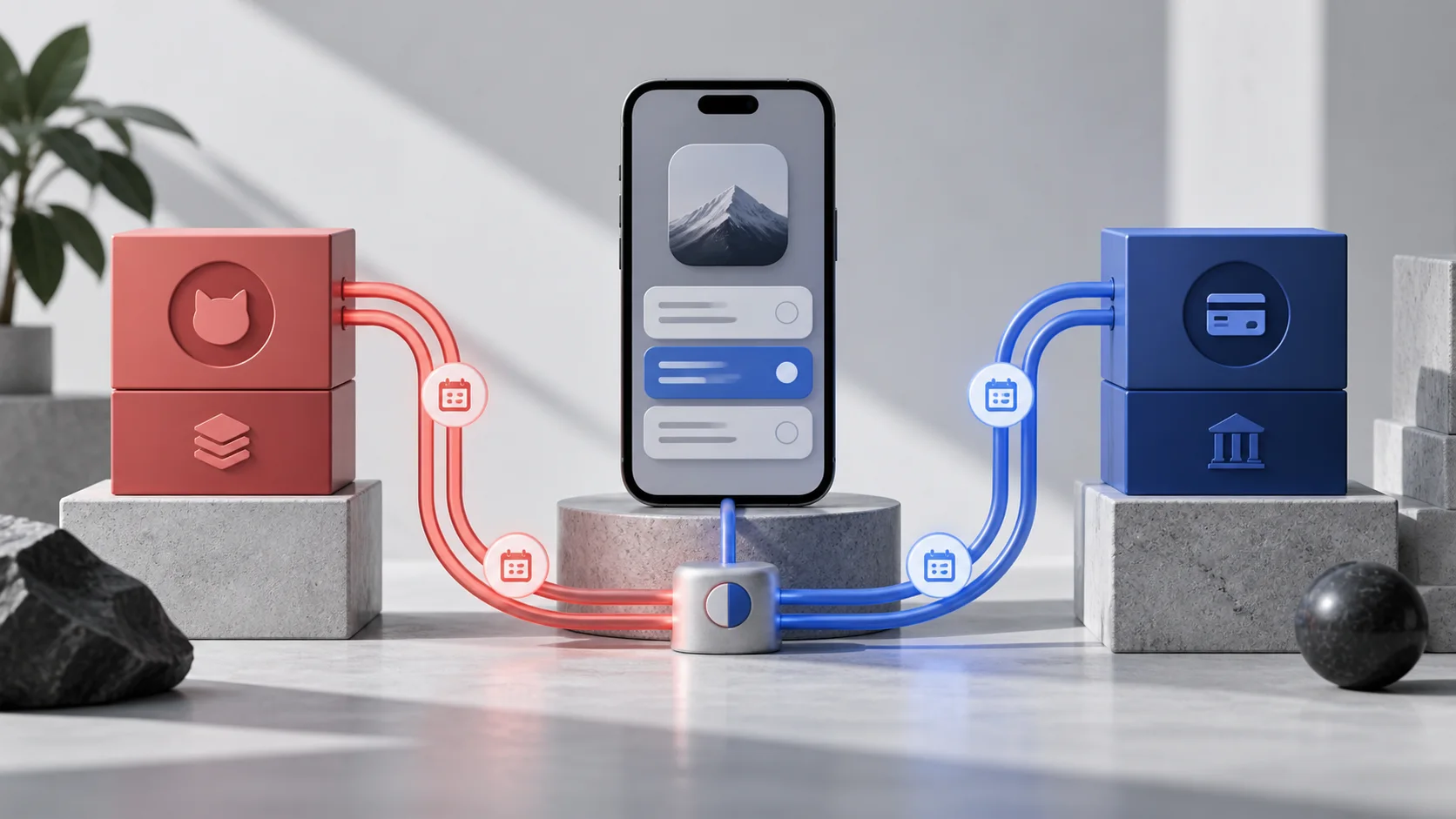
RevenueCat documents an integration with Stripe Billing that can connect web purchases to mobile entitlements. It supports both RevenueCat web purchase flows and importing purchases that happen outside those flows. The compatibility table matters: the documentation currently excludes tiered and usage-based pricing from the supported pricing models for this integration, and notes limitations for asynchronous payment methods and Stripe Test Clocks. RevenueCat's Stripe integration
A practical reason to combine them is one account with purchases made in different places. Imagine a customer buying on your website, installing your iPhone app, and signing in. Your acceptance criterion is that the intended feature becomes available to the correct account, with a support trail that explains why.
Before connecting services, decide which internal user identifier represents that customer. Record how a web customer maps to an app user, how a returning customer signs in, and what happens if someone buys before creating an account. Do not use two unrelated IDs and assume matching email addresses will repair the connection later.
Combining products also adds operational work. Someone must own configuration, event delivery, account mapping, and debugging when two dashboards appear to disagree. That cost belongs in the decision even when the initial integration is straightforward.
Estimate the complete cost
RevenueCat's public Pro pricing currently states that it is free up to $2,500 in monthly tracked revenue, with a 1% rate once the threshold is reached. Enterprise arrangements and other product options can differ. This is a dated pricing observation, not a quote for your account. RevenueCat pricing
For an illustrative month with $10,000 in revenue subject to that 1% rate, the RevenueCat charge would be $100. That is the RevenueCat line item only. It is not the total cost of collecting the money, and the $10,000 is an example rather than NaviStack revenue.
Build your estimate with separate rows:
| Cost category | What to put in your estimate |
|---|---|
| Subscription software | Applicable vendor plan, threshold, and the revenue it measures |
| Payment or store charges | Fees for the actual purchase channel, country, and agreement |
| Optional services | Any invoicing, tax, recovery, or other features you enable |
| Engineering and operations | Setup, ongoing support, monitoring, and future migrations |
Check Stripe's account- and region-relevant pricing for the products you intend to use. Its pricing pages can be localized, so a rate copied from another market can be misleading. Do not add a Stripe processing fee to a purchase that was processed entirely through a mobile store. Stripe Billing pricing
Test the state after the payment
A checkout completion screen answers only part of the question. For a Stripe implementation, use the documented subscription events to handle changes after checkout, including successful invoices and failed payments. Stripe subscription webhooks
Your test plan should follow one customer through purchase, app restart, cancellation, expiry, and restoration where applicable. At each point, record the customer identity, purchase state, and feature access. A successful first purchase does not prove that your cancellation or account-switching logic works.
If you sell inside a mobile app or link to an external purchase flow, check the current rules for that storefront, product type, and region. Choosing Stripe or RevenueCat does not itself establish permission to use a particular payment flow. Apple review guidelines, Google Play payments policy
Choose the smallest setup that covers your needs
For a web-only product, establish what Stripe already covers before adding mobile subscription infrastructure. For a mobile-first product, map your store purchases and access model before deciding how web checkout should fit. Use both when the combined workflow solves a real customer need and your billing model is supported.
The next useful artifact is an implementation sketch with a named owner for payment, customer identity, and feature access. If Expo is your starting point, follow the RevenueCat setup and test plan. Before release, work through the subscription launch checklist.
If the payment setup is settled but you are choosing how to build and test the in-app purchase screen, our RevenueCat and Superwall comparison covers paywall editors, pricing, and using both together.
Keep reading
More practical guides and comparisons selected for this topic.